
Subtitles · Press
Press kit
Everything on this page can be used without asking: the stills, the captures of the app, the icon and the words. Crop them, caption them, quote them. If you need something that is not here, the form at the bottom reaches the one person who makes the app, usually within a day.
The demo on the home page is the app itself, running in the browser: the hotkeys work, the overlay drags, the windows move. Nothing to install, and it runs on machines the app does not. The zip holds every file on this page and a plain-text copy of the words, about 11 MB.
How to describe it
Three lengths, all of them true. Take whichever fits the space.
In a sentence
Subtitles is a Mac app that captions whatever the Mac is playing, live, in an overlay that stays on top while you switch apps, with nothing leaving the machine.
In a paragraph
Subtitles puts real-time captions for anything a Mac plays in a small overlay that stays above every window. Meetings, podcasts, videos, lectures: if it makes a sound, it captions, in eighteen languages, with live translation between almost any two of them. Transcription runs on the Neural Engine and translation through Apple's own framework, so no audio and no text leaves the Mac. Hold ⌥ to rewind through what was just said, ⌥F to search it. $19 once, no subscription, seven-day trial.
In three
Subtitles is a live captions app for the Mac. It captions whatever the Mac is playing, a call, a podcast, a video, a lecture, in an overlay that stays above every other window, so the words stay readable while you work in something else. It takes no clicks, dissolves under the pointer so it never hides what is beneath, and holding ⌥ brings back the captions that already closed, which ⌥F can search. Eighteen languages, detected automatically or pinned from the menu bar, and live translation between almost any two of them.
It works the way it does because of one API: Core Audio process taps, which arrived in macOS 14.2 and let an app hear what another app is playing without a virtual audio device or a loopback driver. The microphone is opened only when it is chosen in Listen To, and never at launch. Speech recognition is Parakeet, a streaming model, running on the Apple Neural Engine through FluidAudio; translation is Apple's Translation framework. There is no account, no telemetry and nothing written to disk unless the user saves a transcript; after the model downloads on first run, the only network calls the app makes are a version check the user can decline and a monthly license check.
It is made by Mathieu Jouhet, a design engineer in Paris, through his one-person company, CSS LABS, and it is his first Mac app. It costs $19 once, with every future update included, after a seven-day trial with every feature enabled. The source is published under FSL-1.1-ALv2, which becomes Apache 2.0 two years after each release. First released on 15 August 2026; the changelog carries the current version.
A quote from the developer
I would be halfway through something else when the part that mattered was said, and it would be gone. A word I did not catch, an accent I was not used to, two people talking over each other. So the captions had to stay readable while I was doing something else. That is the whole reason it is an overlay, and the reason it can rewind.
The facts
Everything a fact box needs, as the site states it elsewhere. Where a number can change, the row says where the current one lives.
| Name | Subtitles. One word, capital S. The site is subtitles-live.com. |
|---|---|
| Developer | Mathieu Jouhet, design engineer, Paris. First Mac app. |
| Company | CSS LABS, a French SARL. Registered office in Paris. |
| What it is | Live captions for anything a Mac plays, in an always-on-top overlay. Accessibility and productivity. |
| Price | $19 once. No subscription, no account, every future update included. |
| Offer | $9 until 31 October 2026 with the code EARLYBIRD, which the site's buy button applies on its own. |
| Trial | Seven days, every feature enabled, no card. The trial counts from the first caption, not the install. |
| Refund | 14 days, no questions asked. |
| Requirements | macOS 14.2 or later, Apple silicon. Live translation needs macOS 15, because Apple's Translation framework arrives there. |
| Languages | Eighteen: English, Spanish, French, Italian, Portuguese, German, Dutch, Turkish, Russian, Arabic, Hindi, Japanese, Korean, Vietnamese, Ukrainian, Polish, Swedish and Mandarin, with Danish and Norwegian as experimental. Detected automatically by default; any one can be pinned from the menu bar. |
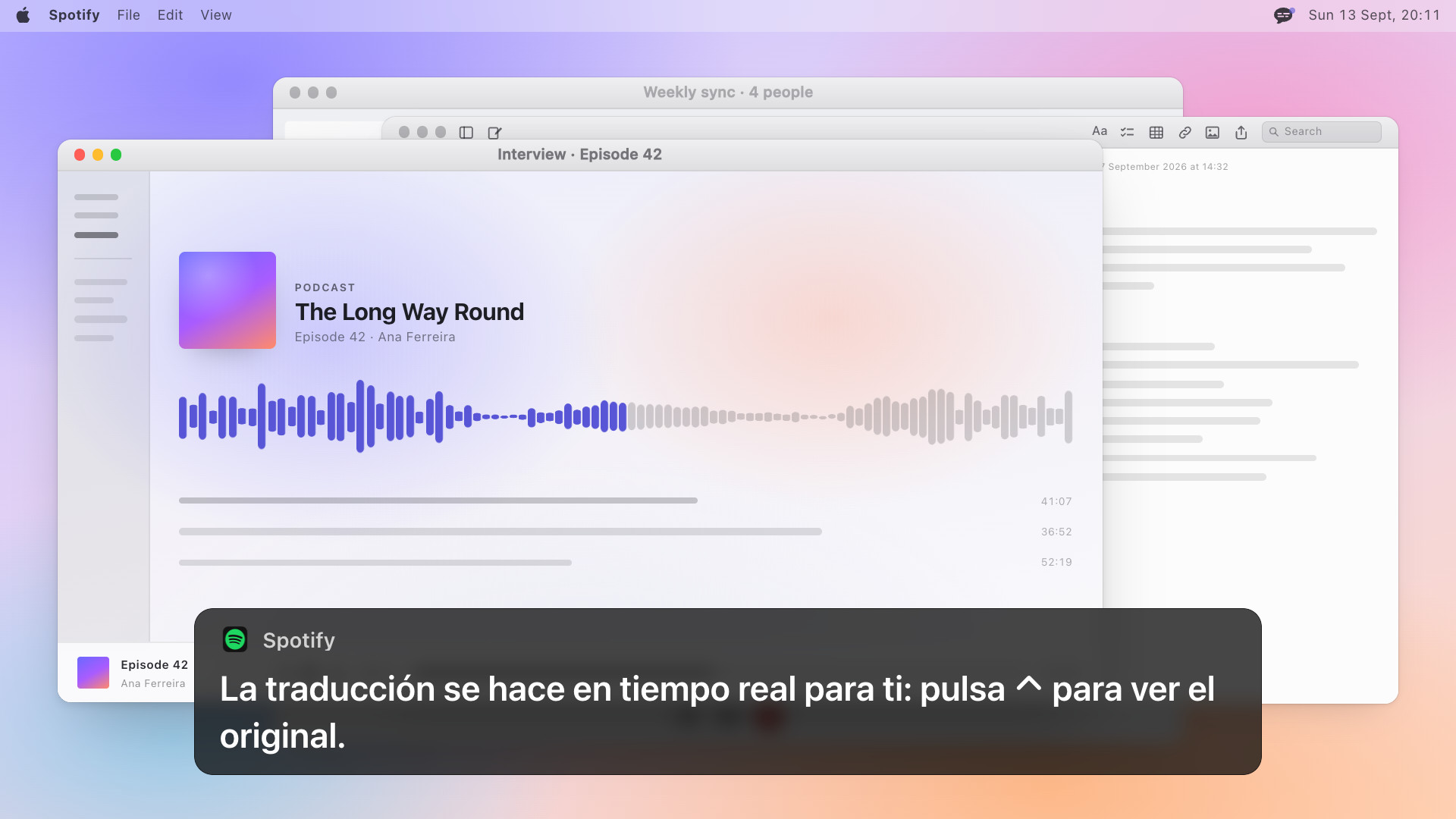
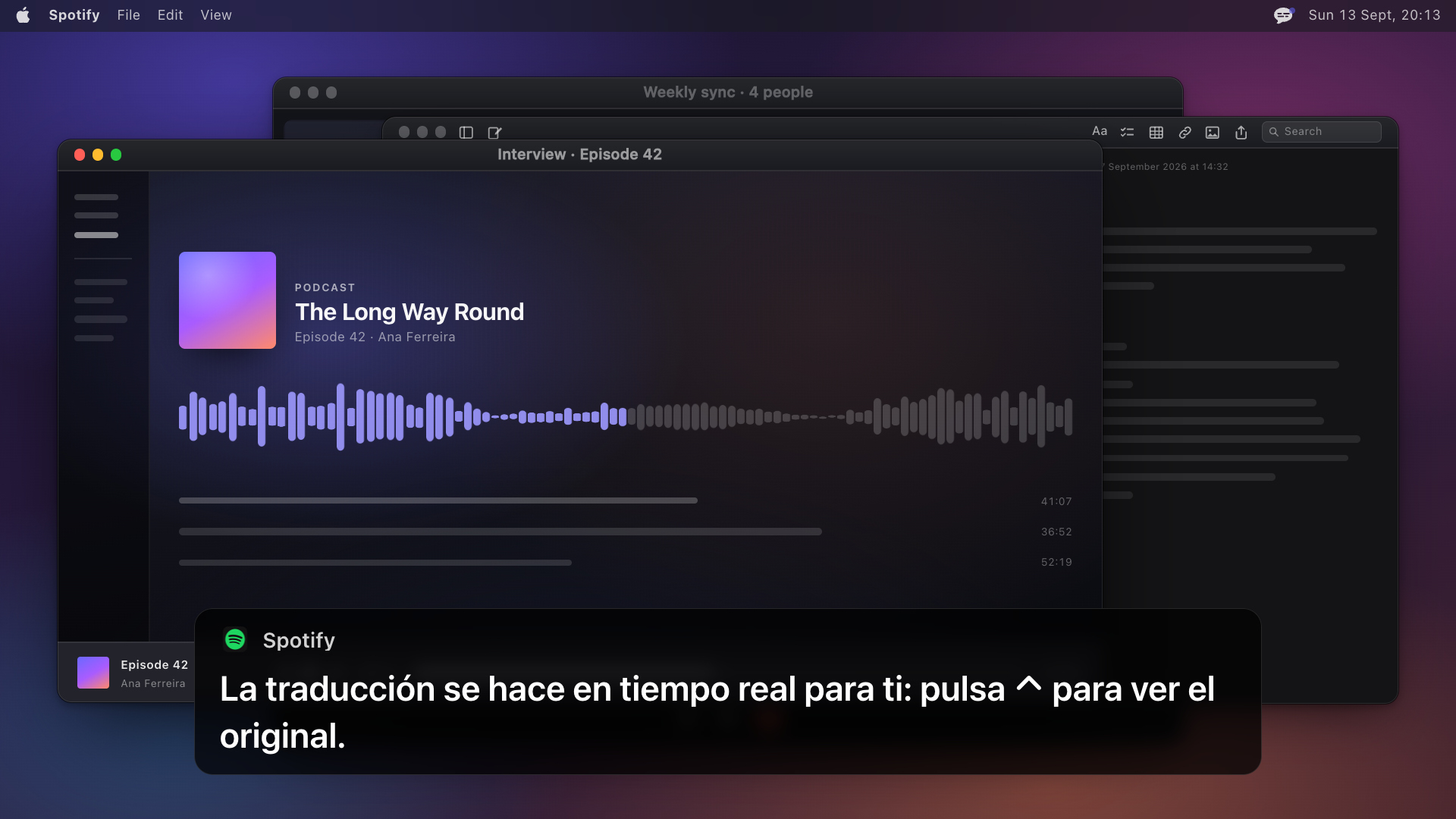
| Translation | Live, between almost any two of the eighteen, on device. Hold ⌃ to see what was said in the language it was said in. |
| Read aloud | Speak Translation reads the translation aloud in the language's own voice, with the original turned down underneath. On by default with VoiceOver, which can read and operate the caption box; VoiceOver itself is never captioned. |
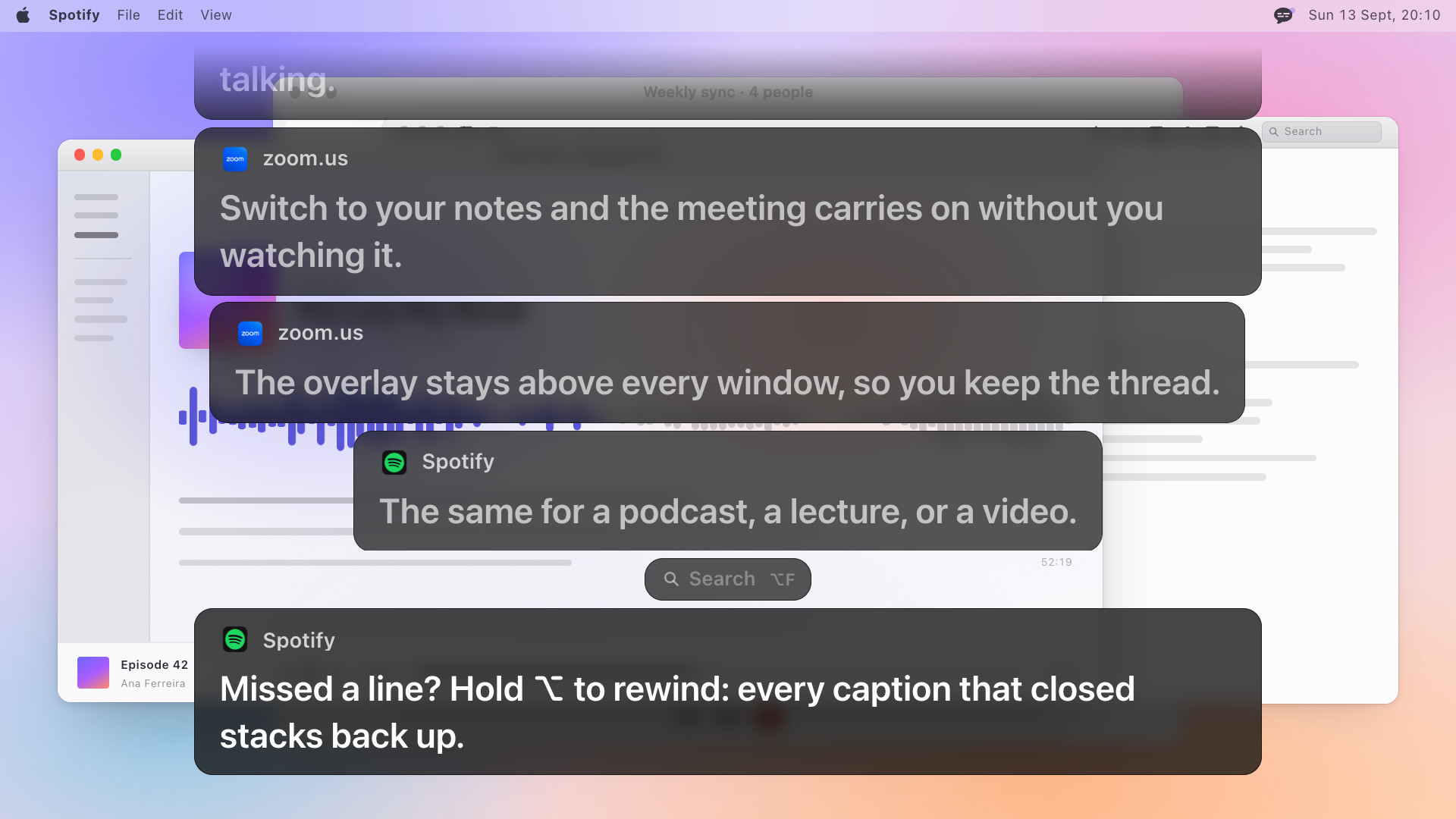
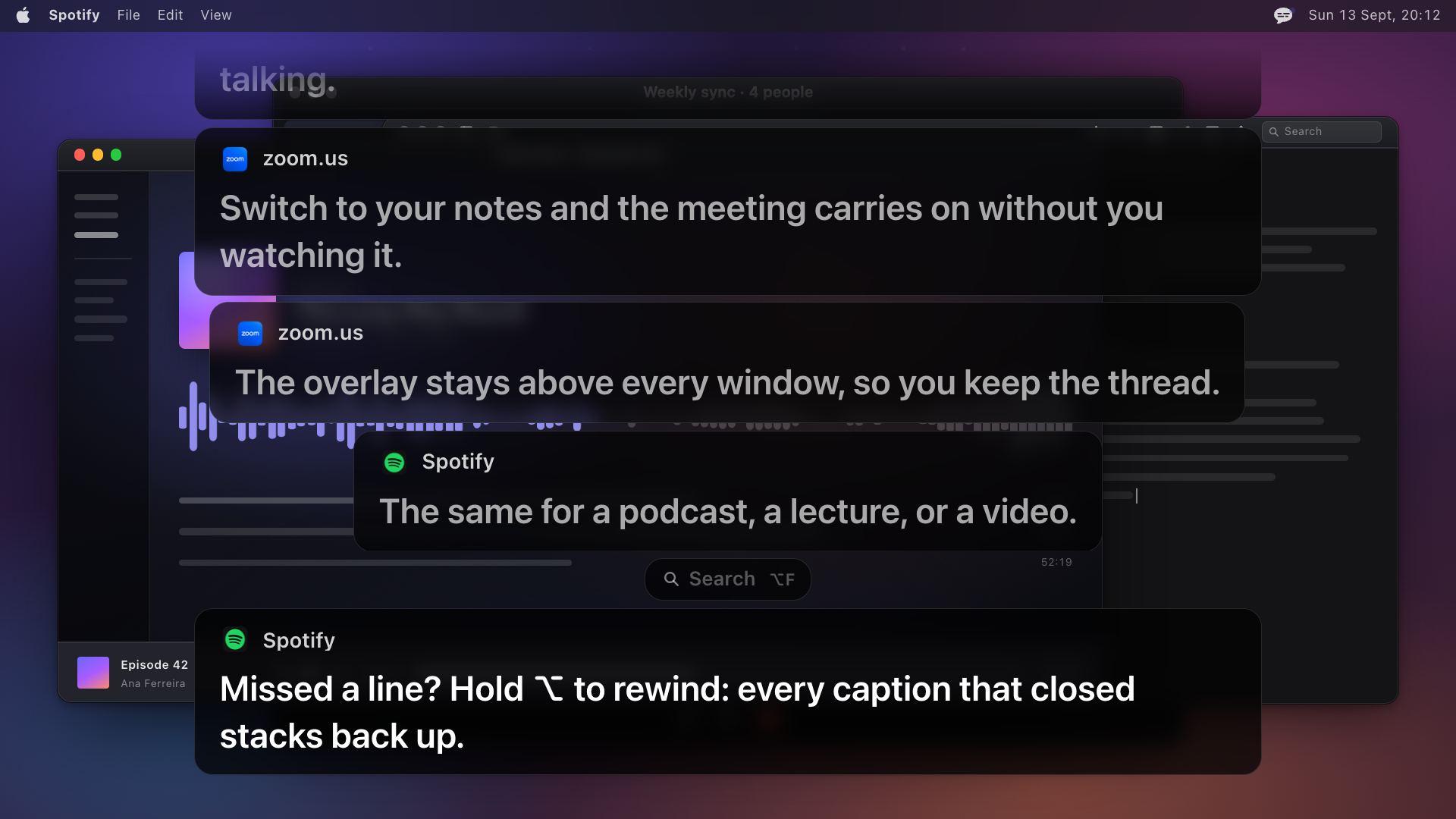
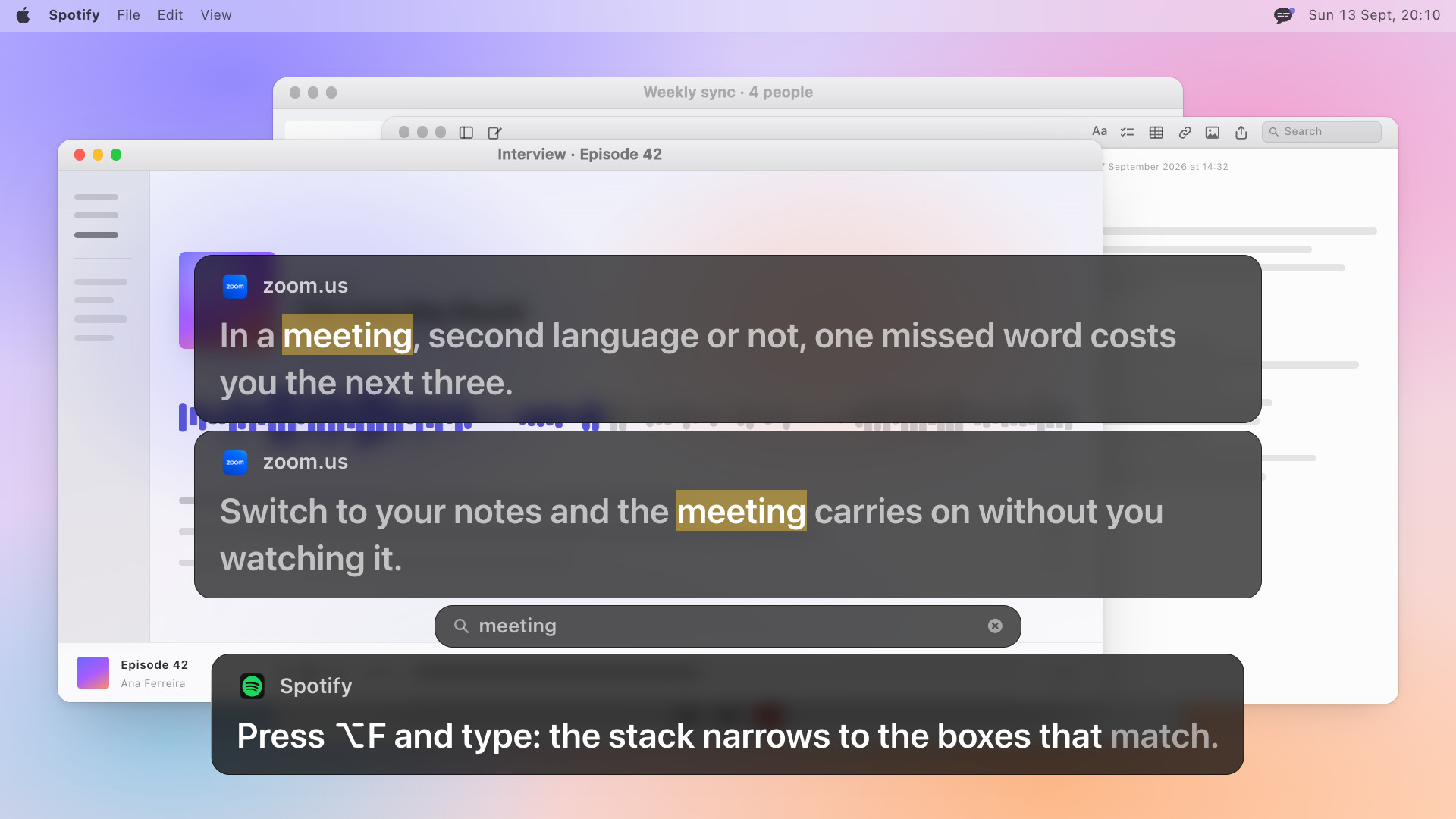
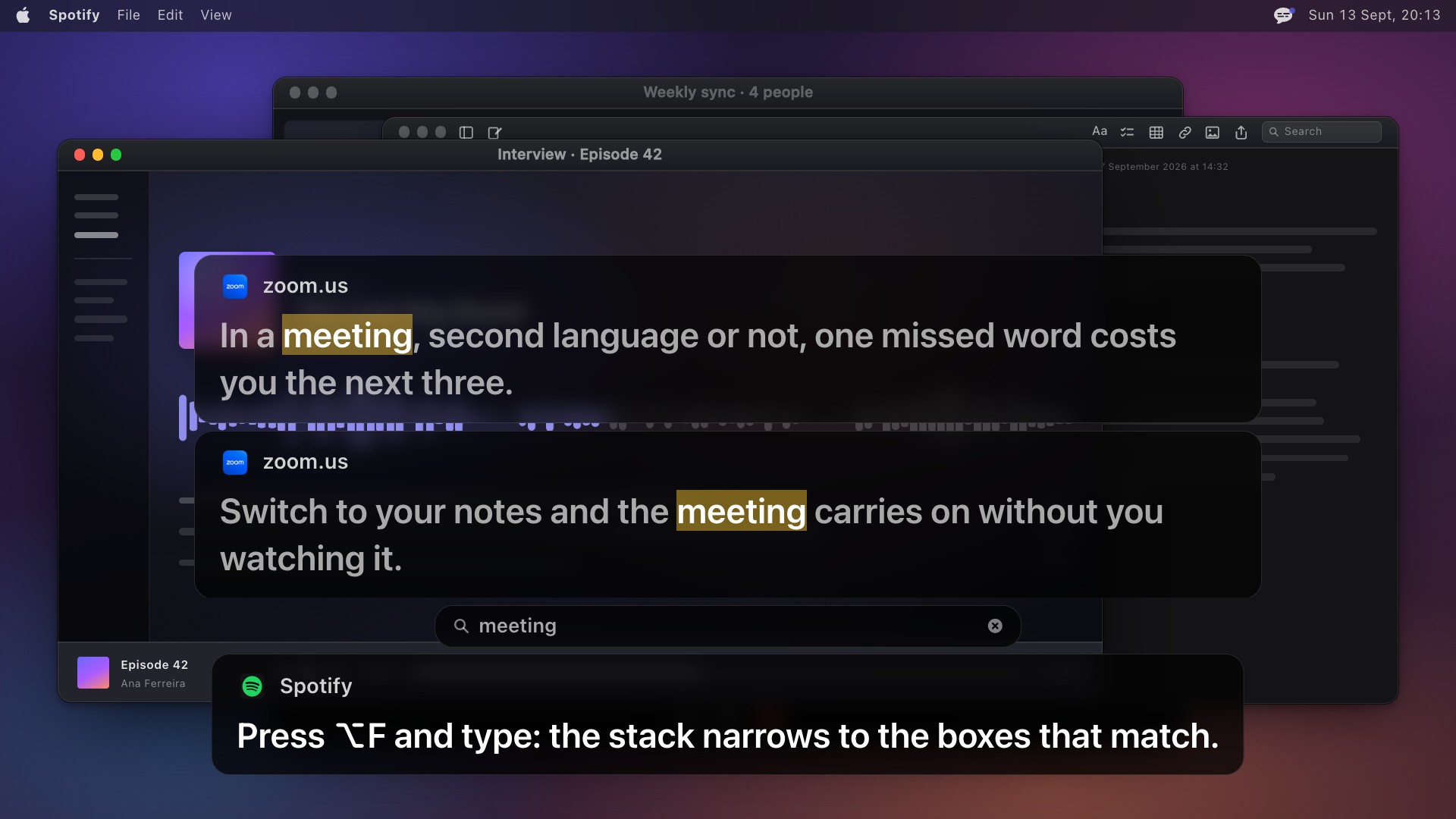
| Rewind and search | Hold ⌥ and every caption that closed stacks back up; ⌥F narrows the stack to the boxes that match. Held in memory until quit, and on disk only as a transcript the user chooses to save. |
| Audio | Core Audio process taps, the macOS 14.2 API. No virtual audio device, nothing rerouted, speakers keep playing. All system audio by default, or one app and its helpers, or the microphone, chosen in Listen To and asked for by macOS the first time; never opened otherwise. |
| Speech model | Parakeet, a streaming model, on the Apple Neural Engine through FluidAudio. Downloaded once on first run, roughly 583 or 633 MB depending on the language pack. |
| Privacy | No account, no telemetry, nothing written to disk unless the user saves a transcript. After the model download, no network calls of its own apart from a version check you can decline and, with a key, a monthly check of it. |
| Source and license | Published at github.com/daformat/subtitles under FSL-1.1-ALv2, which becomes Apache 2.0 two years after each release. |
| Distribution | Direct download, a notarized DMG. Keys are sold through Gumroad. Not on the Mac App Store. |
| Versions | 1.0 on 15 August 2026. The changelog carries every release since and the current version; it has been most days. |
Stills from the demo
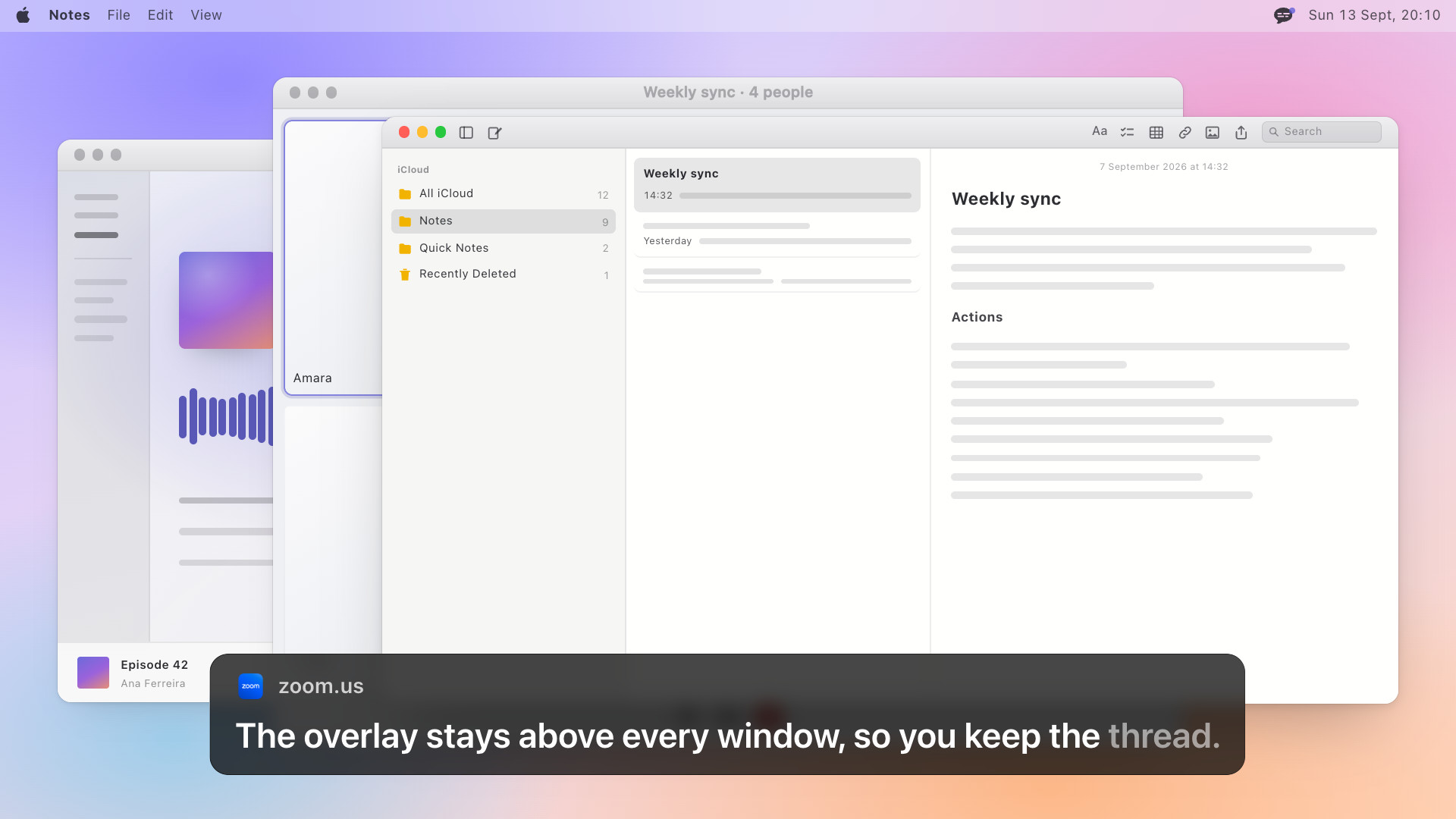
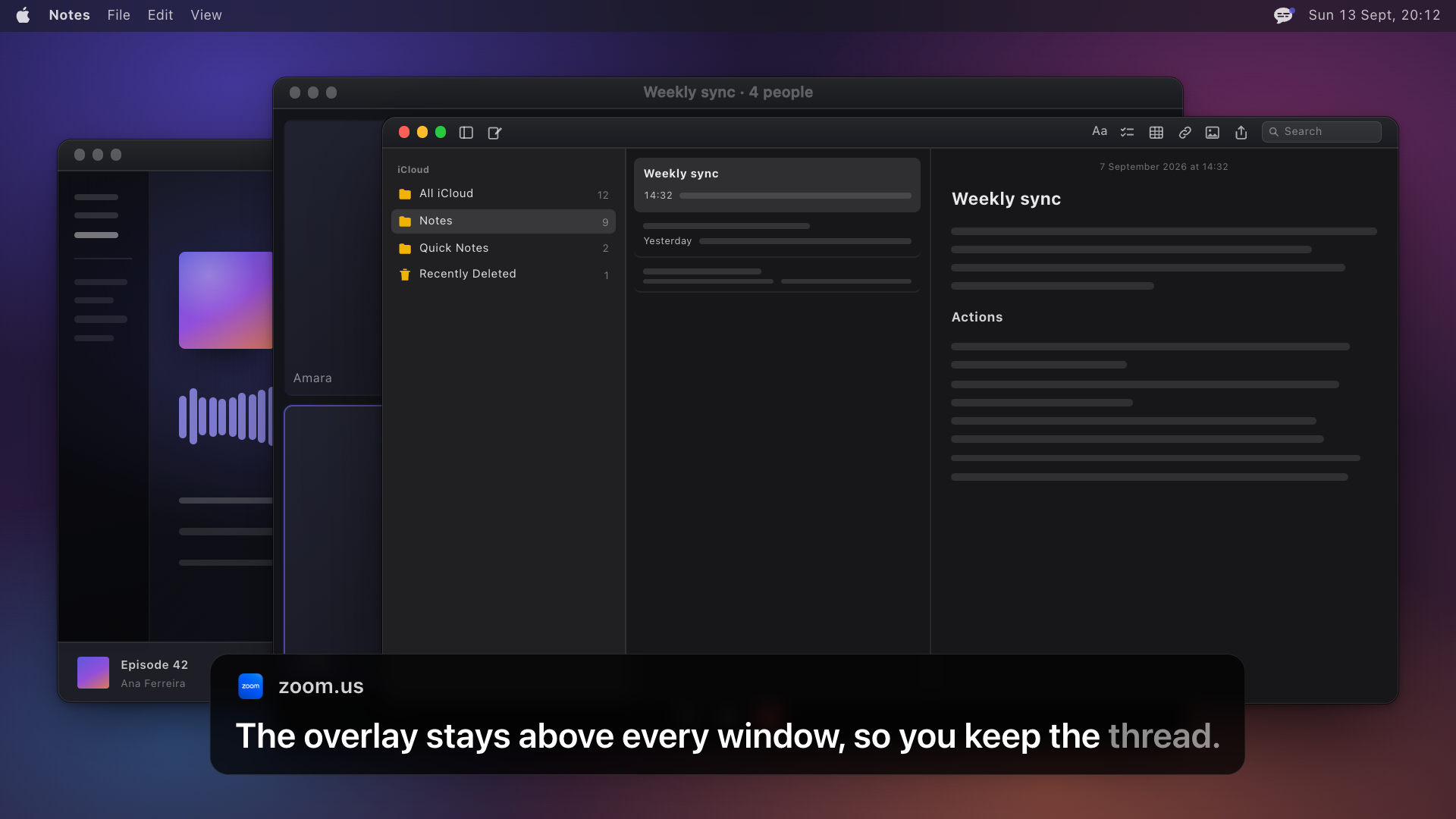
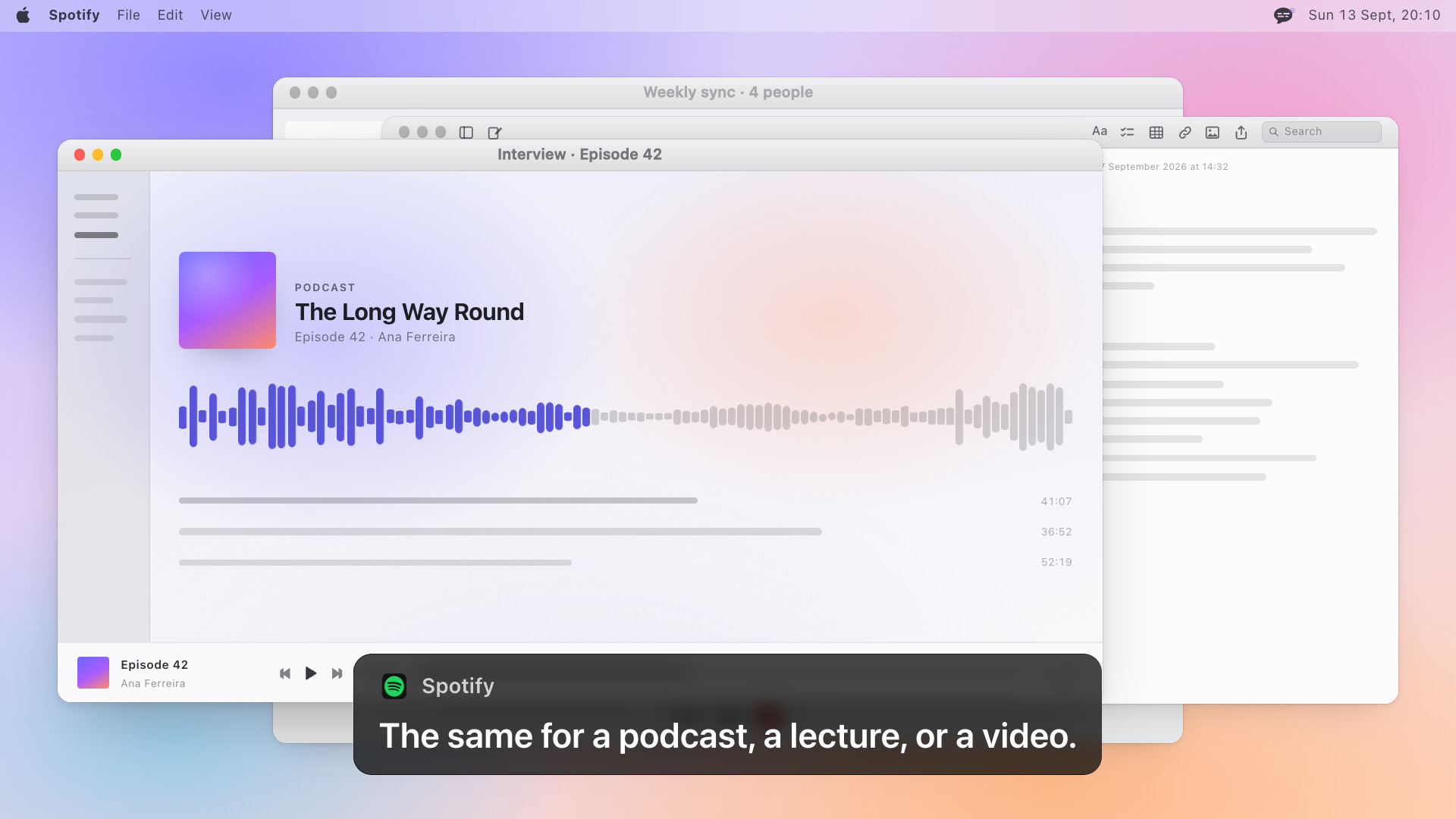
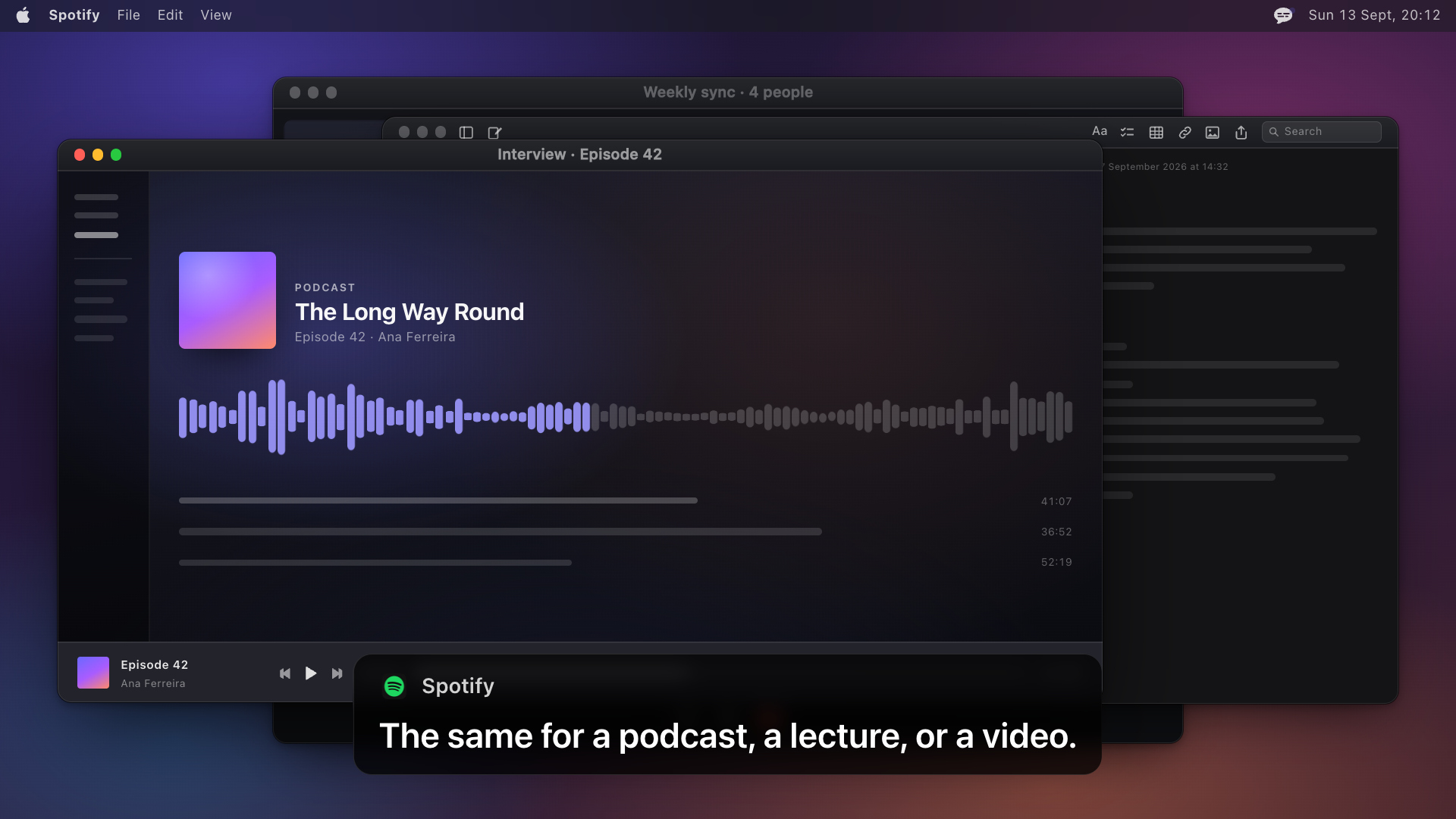
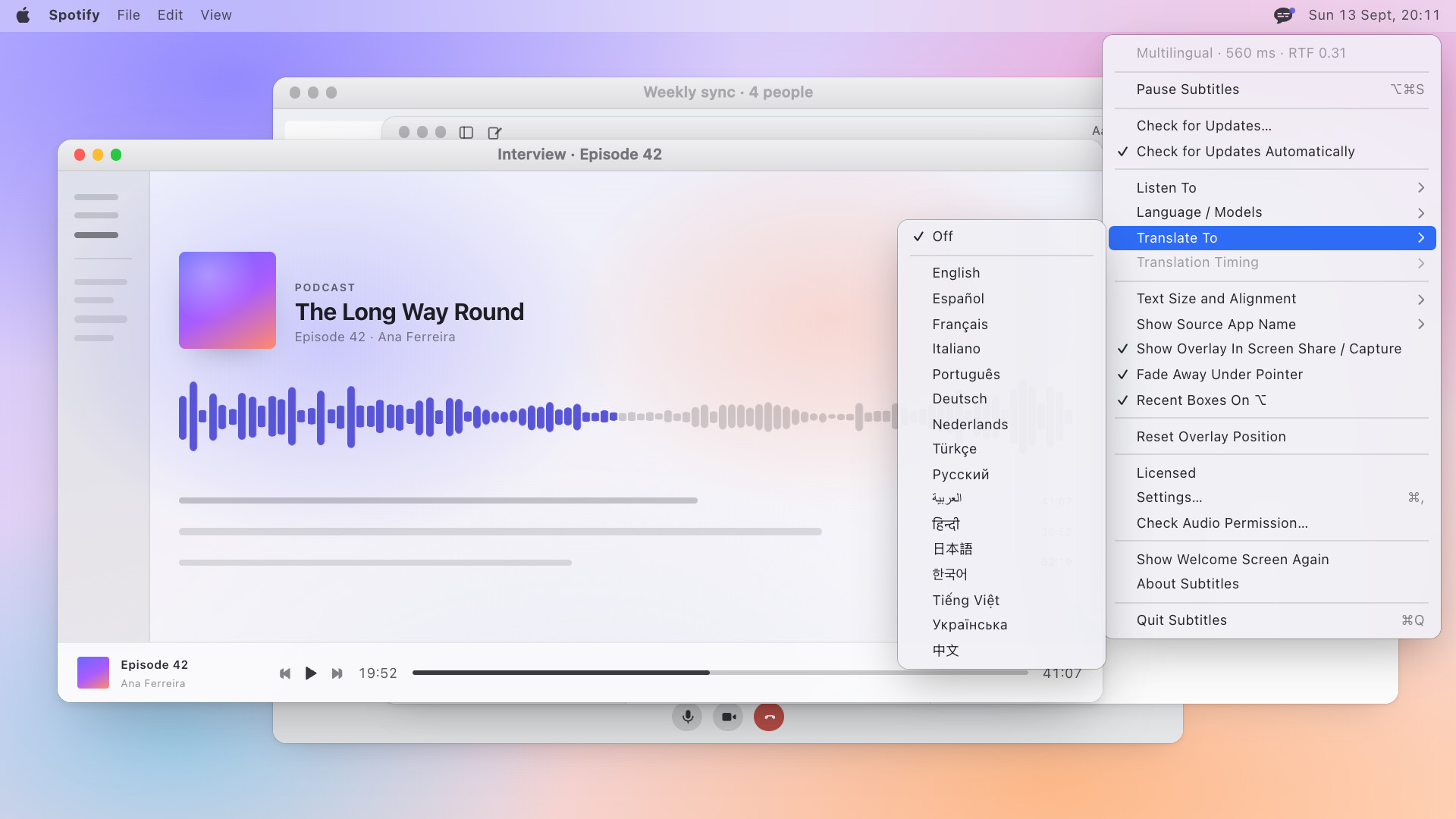
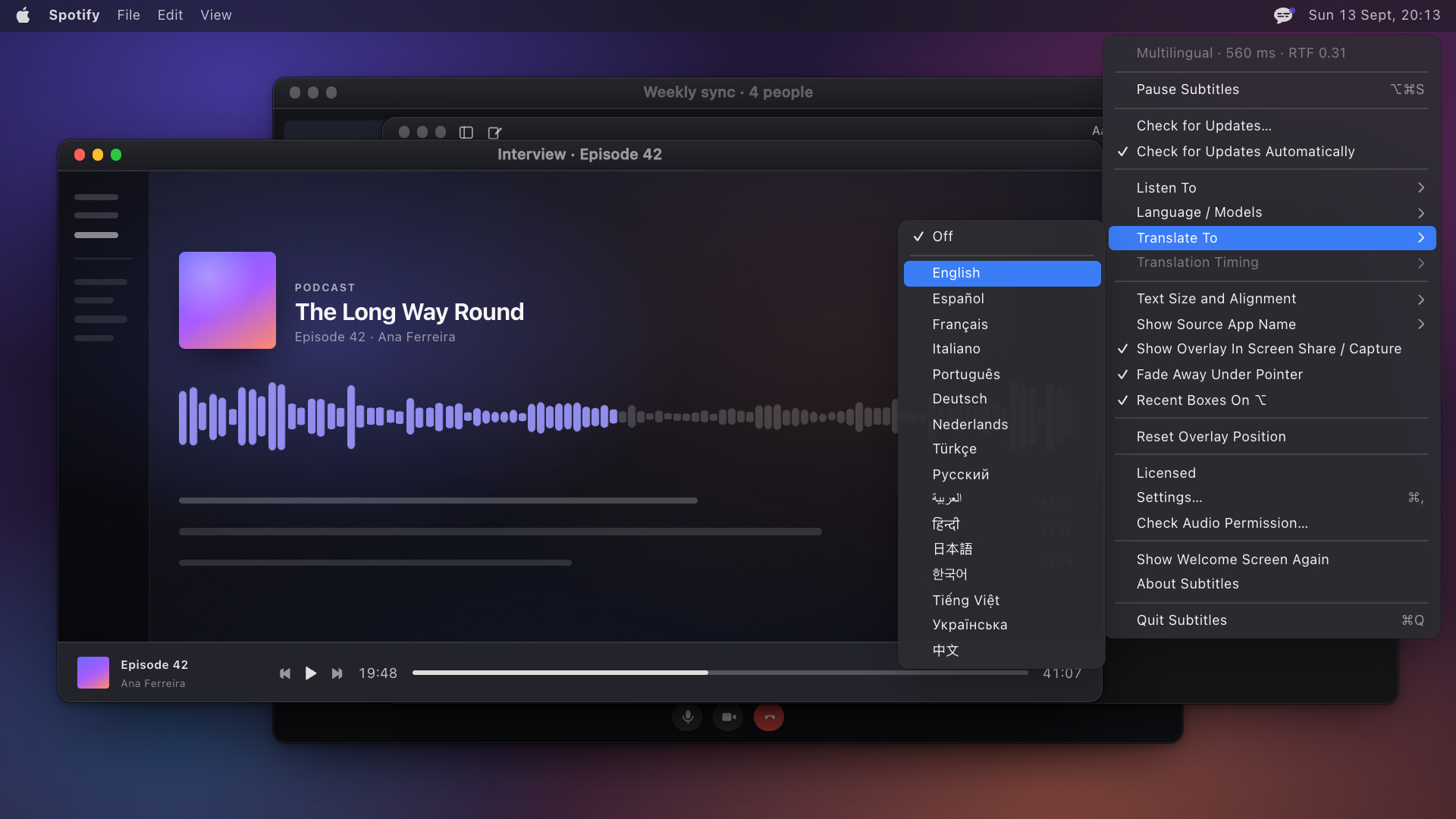
Nine frames from the home page's demo, in both appearances, 1920×1080. Every one shows the overlay over a drawn Mac, which is how the site shows the app without a screen recording of anyone's meeting. The figure follows your theme; both files are linked under each.
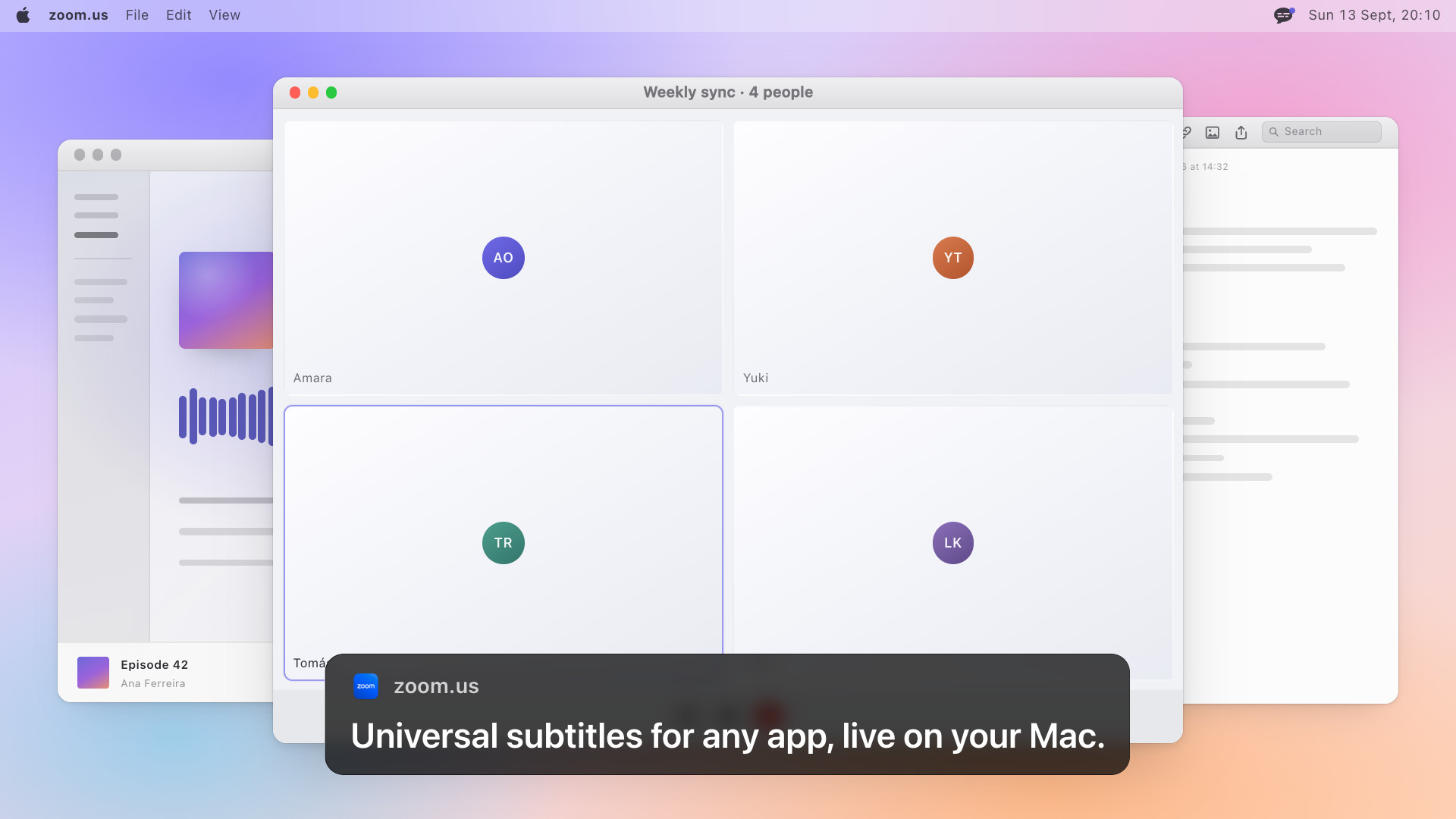
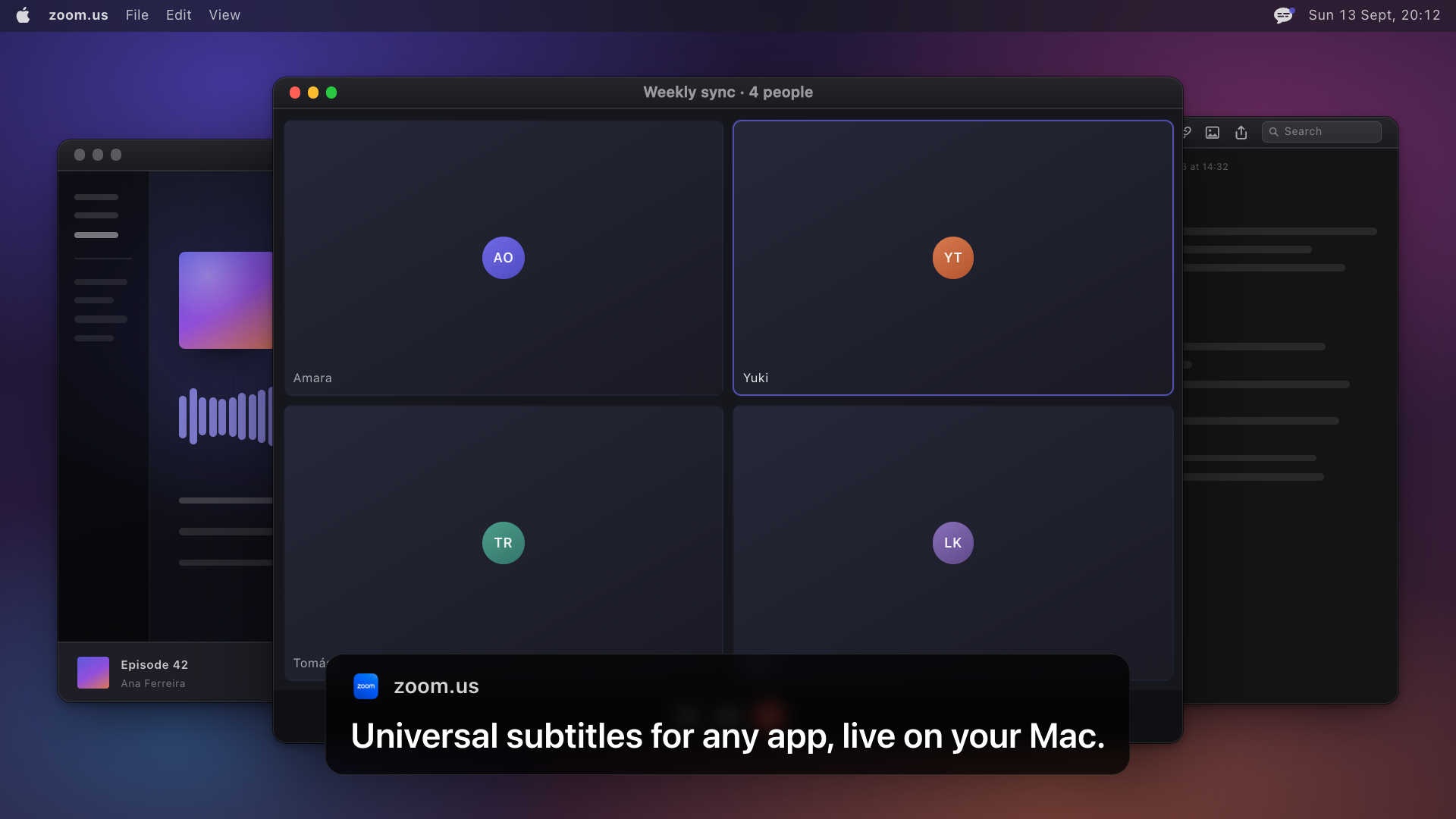
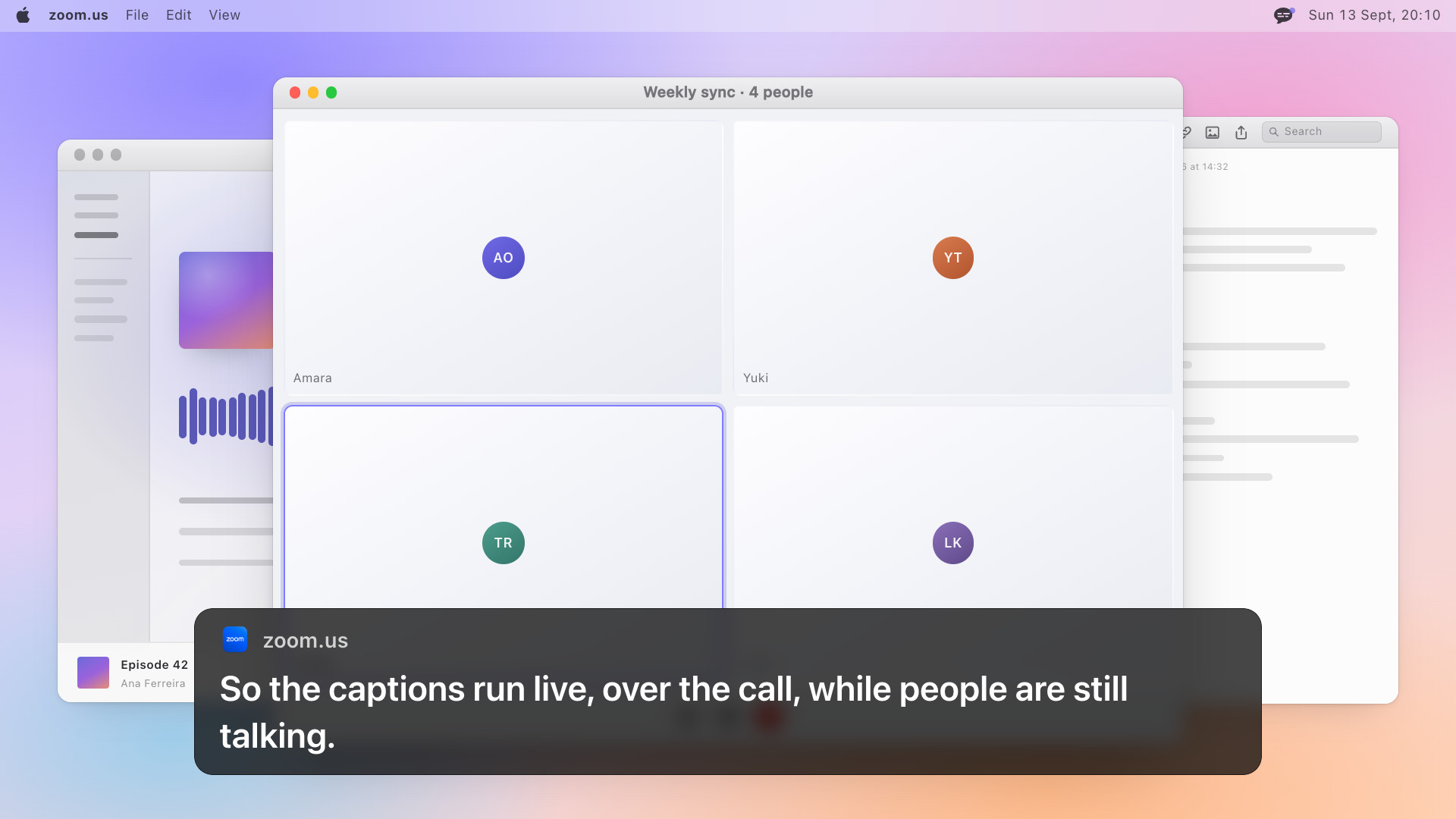
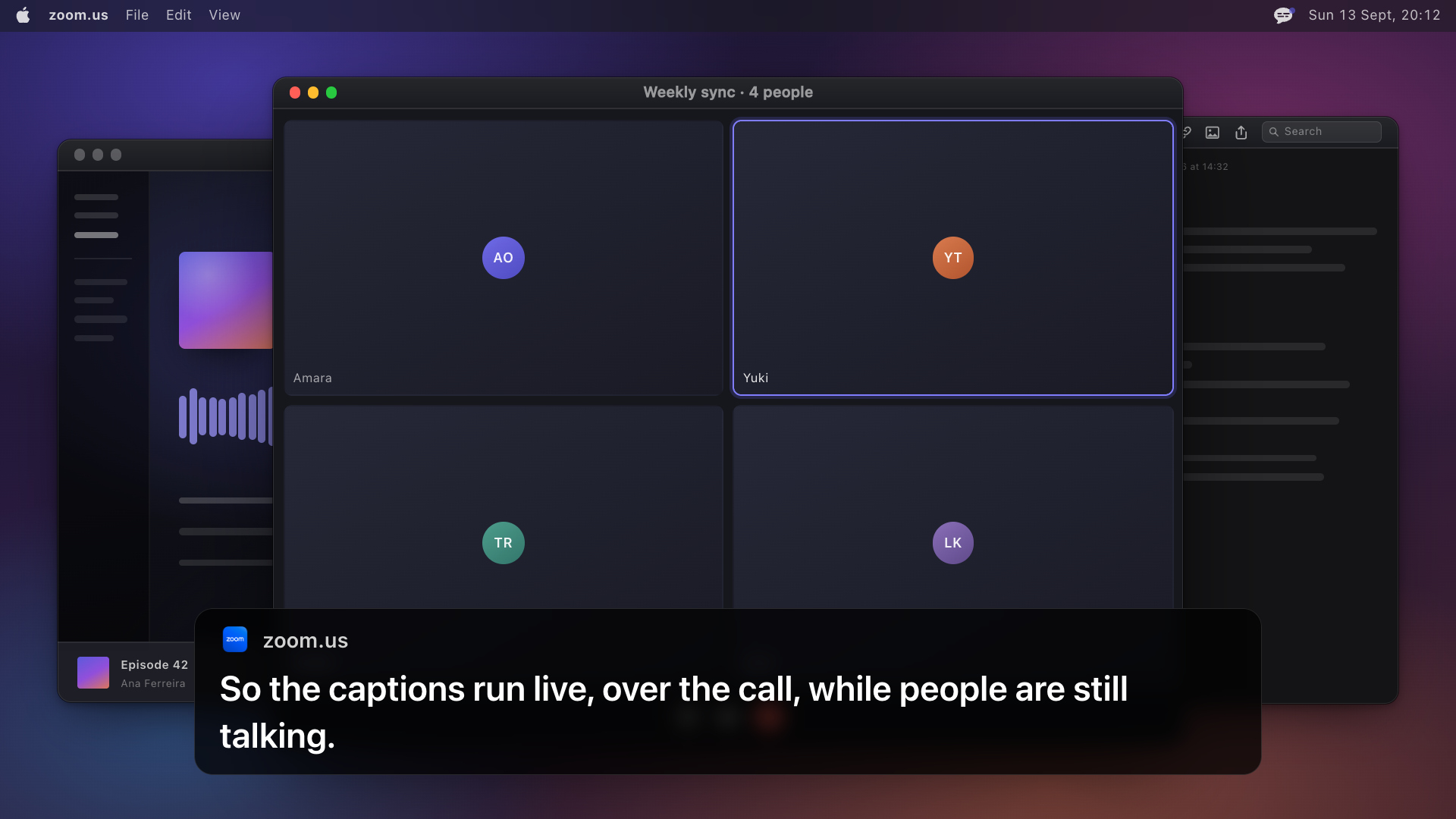
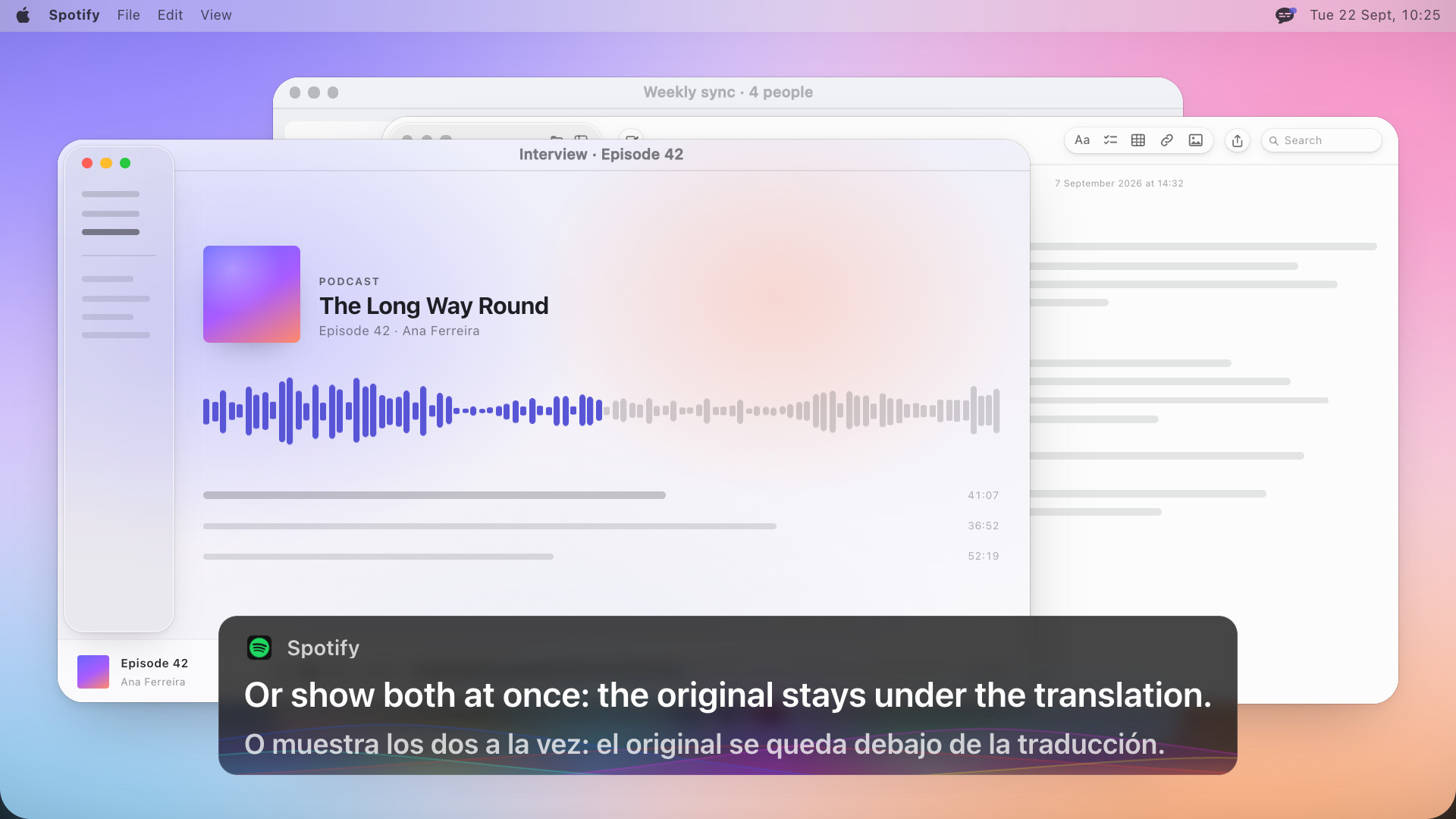
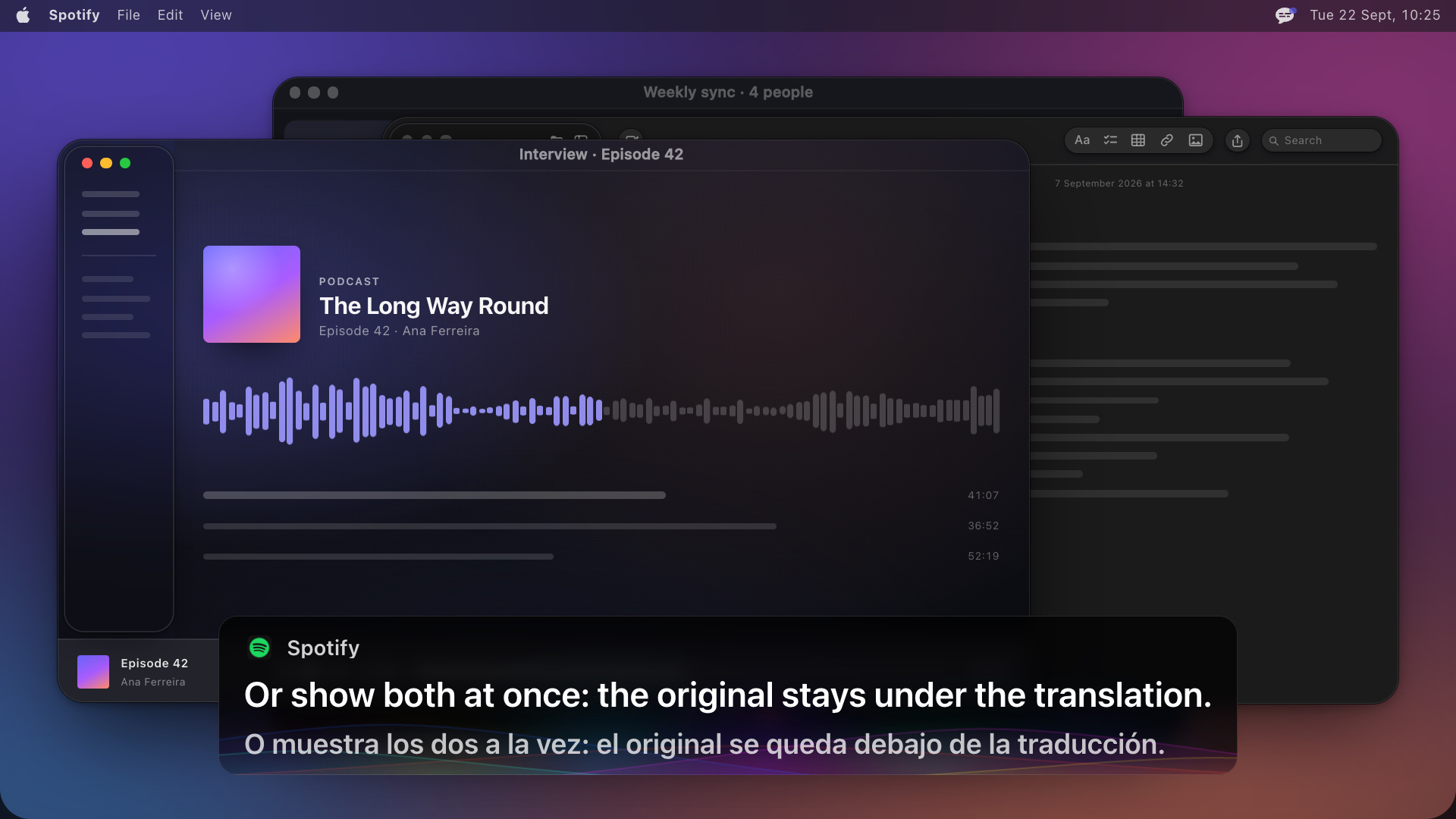
The app itself
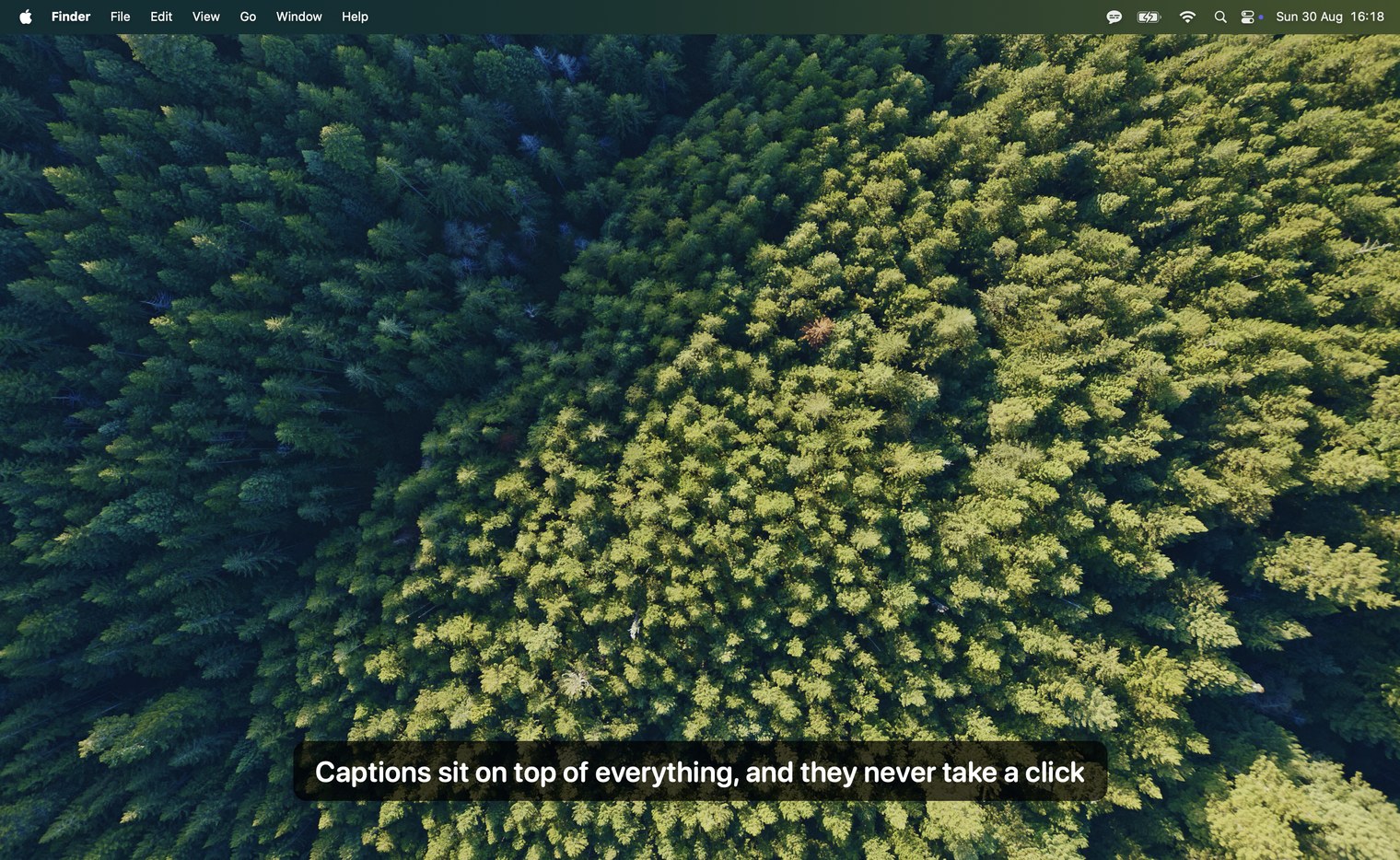
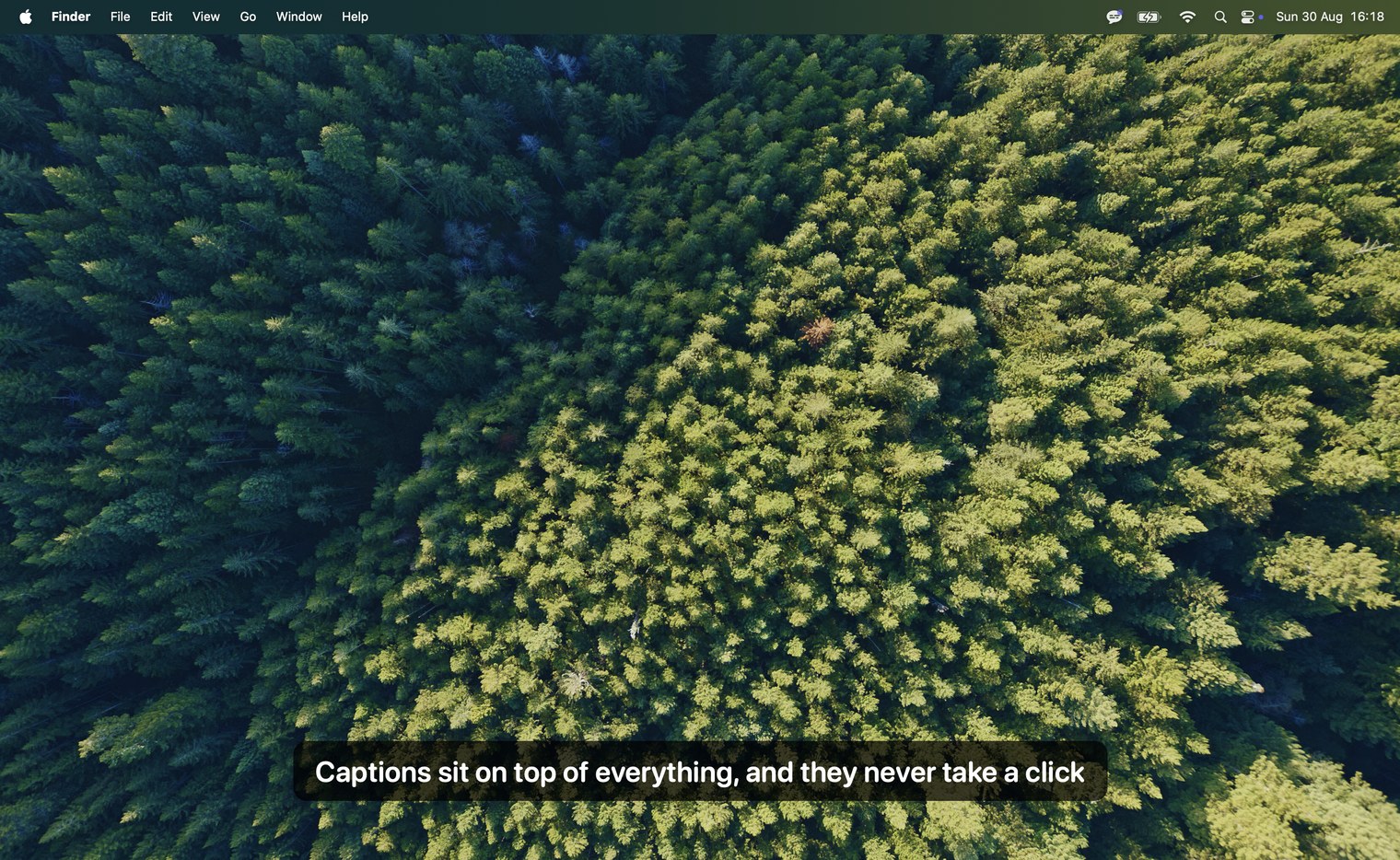
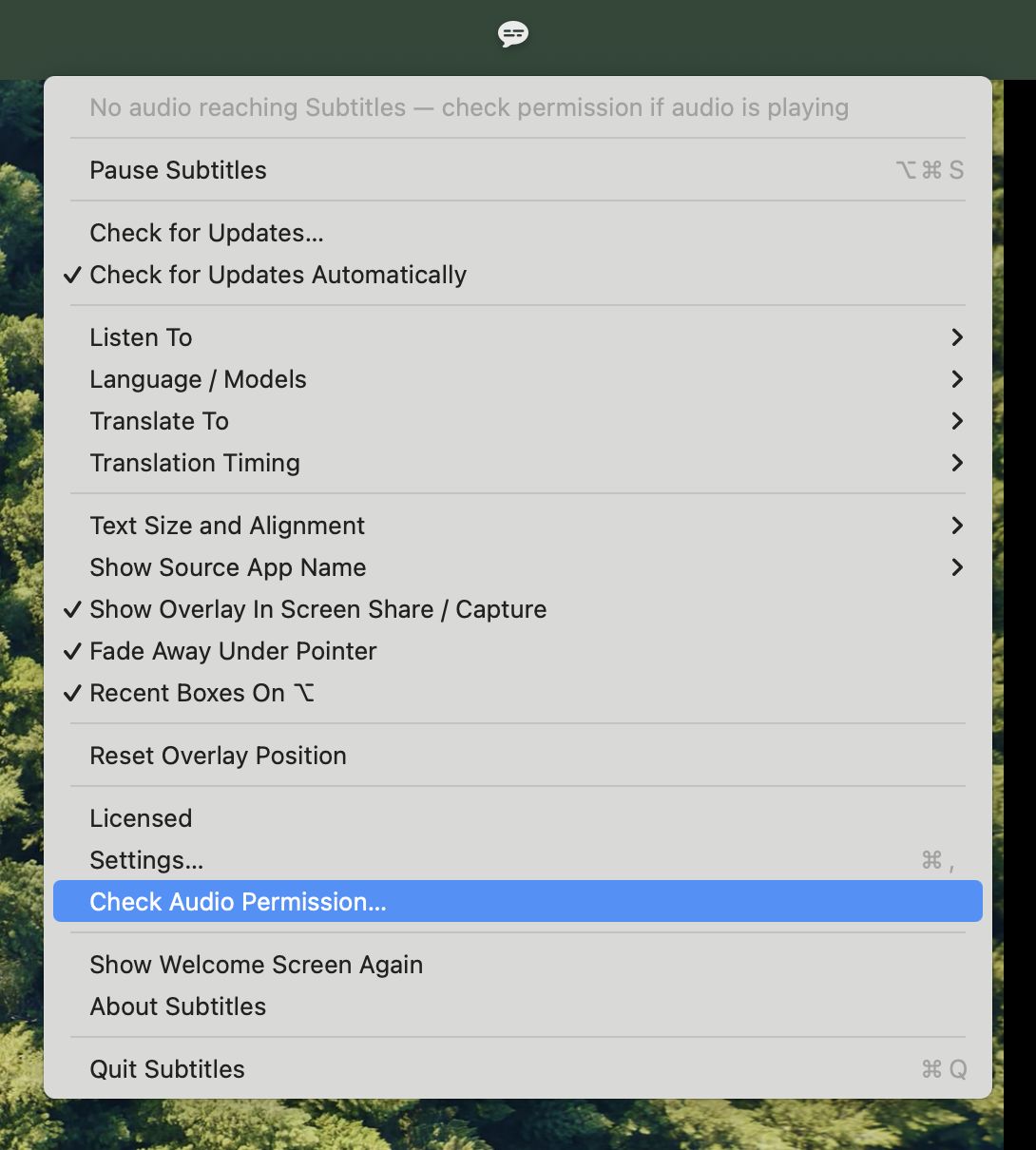
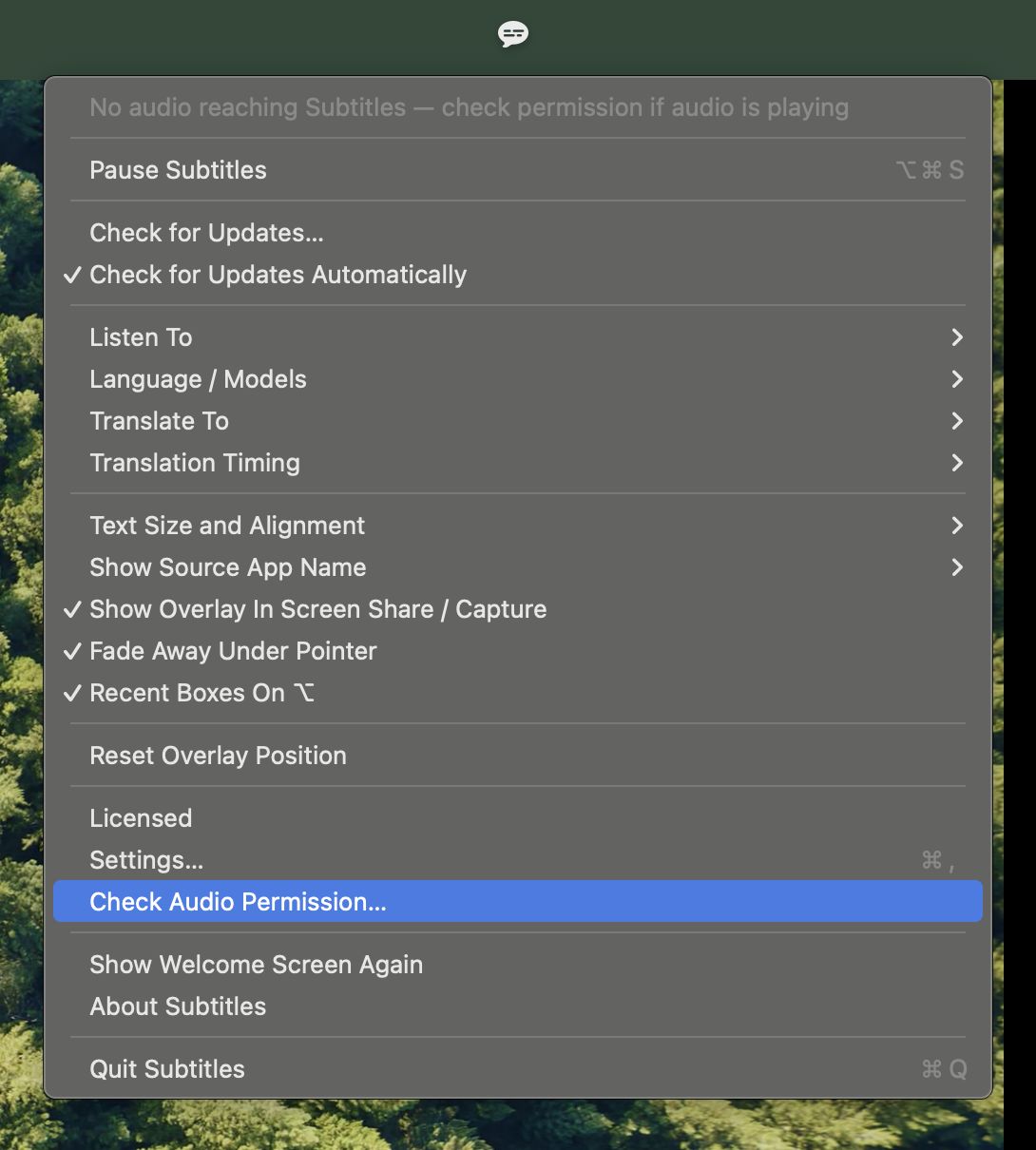
Captures of the real app on a real desktop, in both appearances. The menu is current as of 1.17.1.
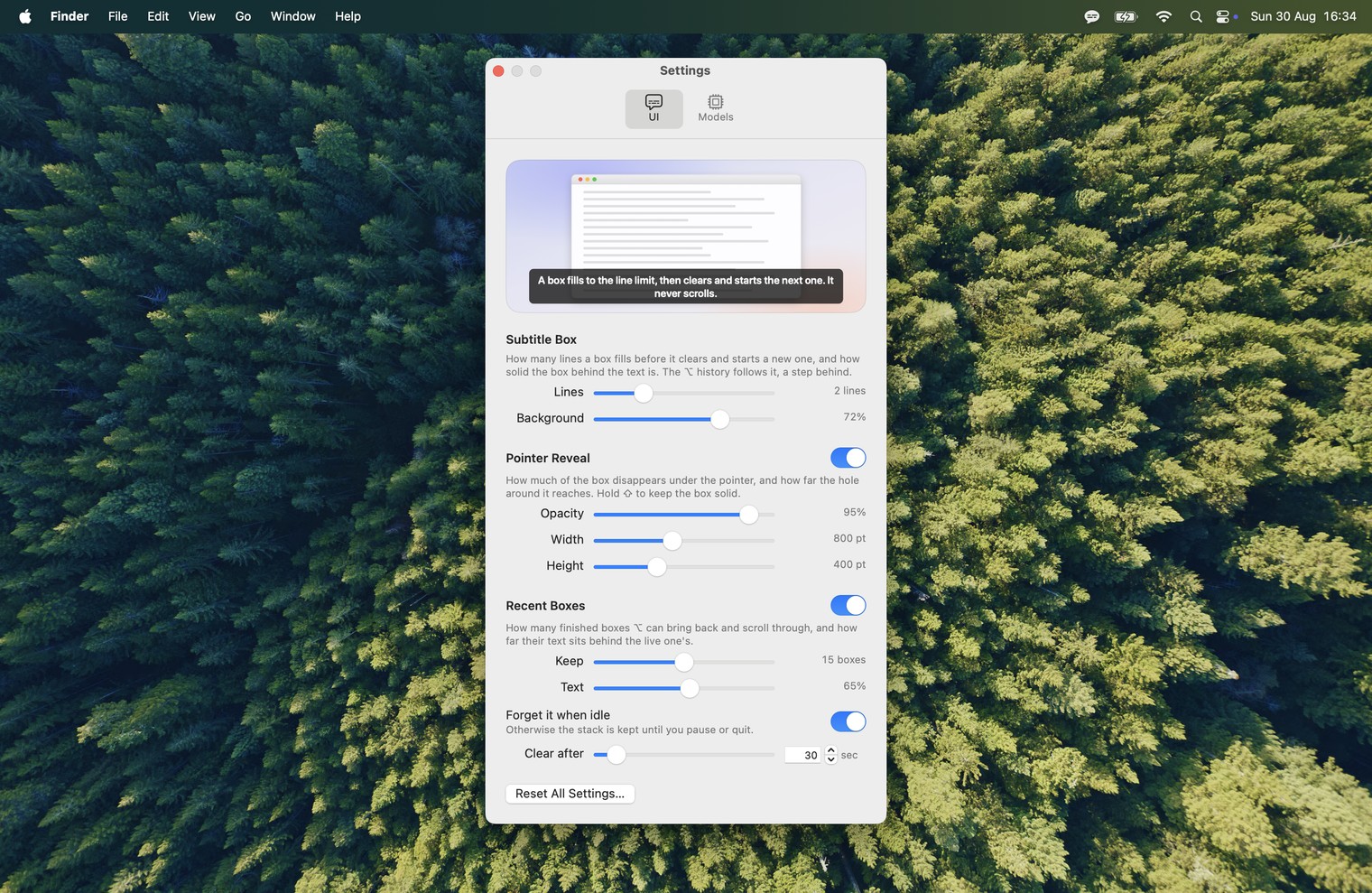
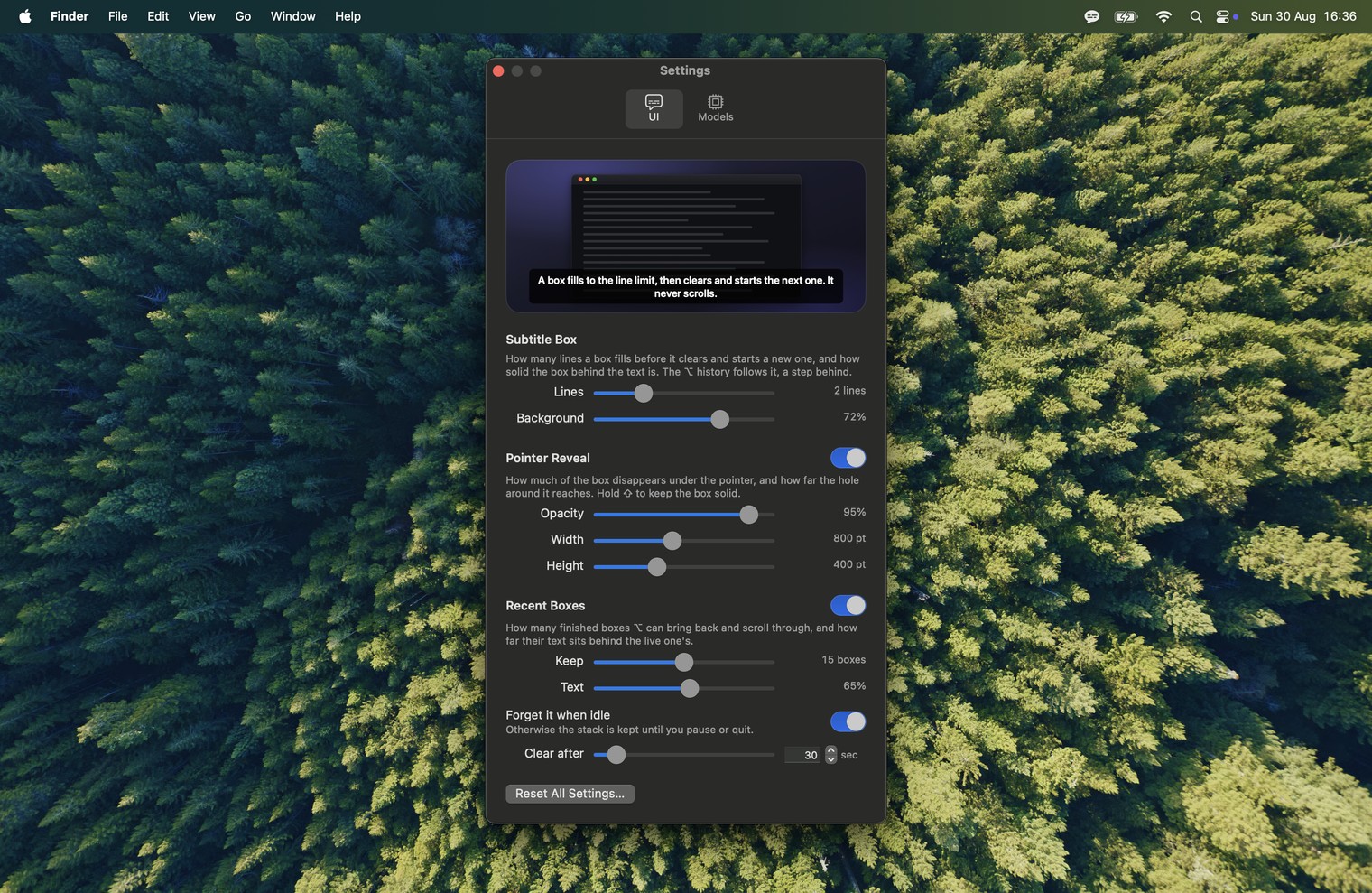
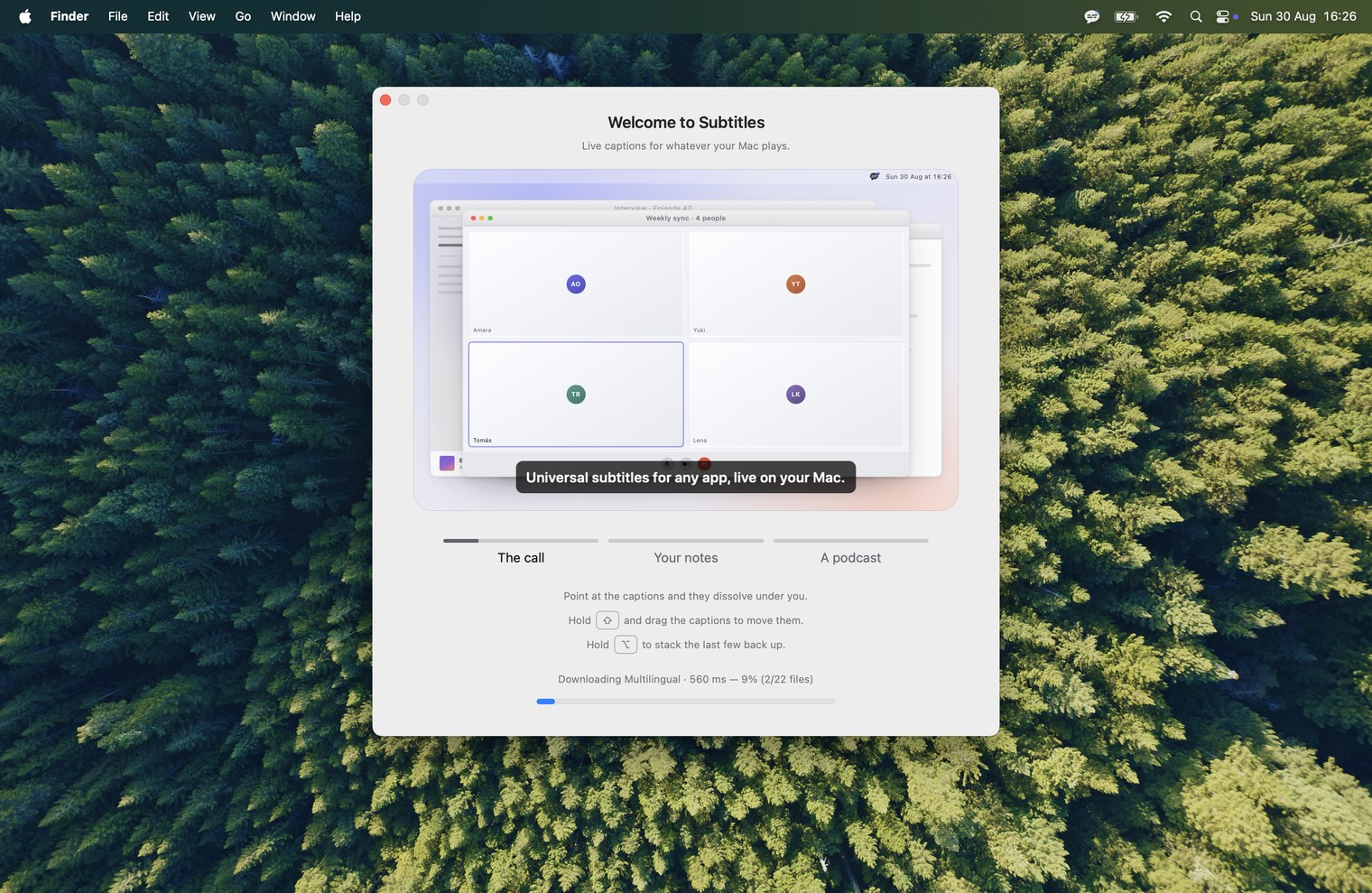
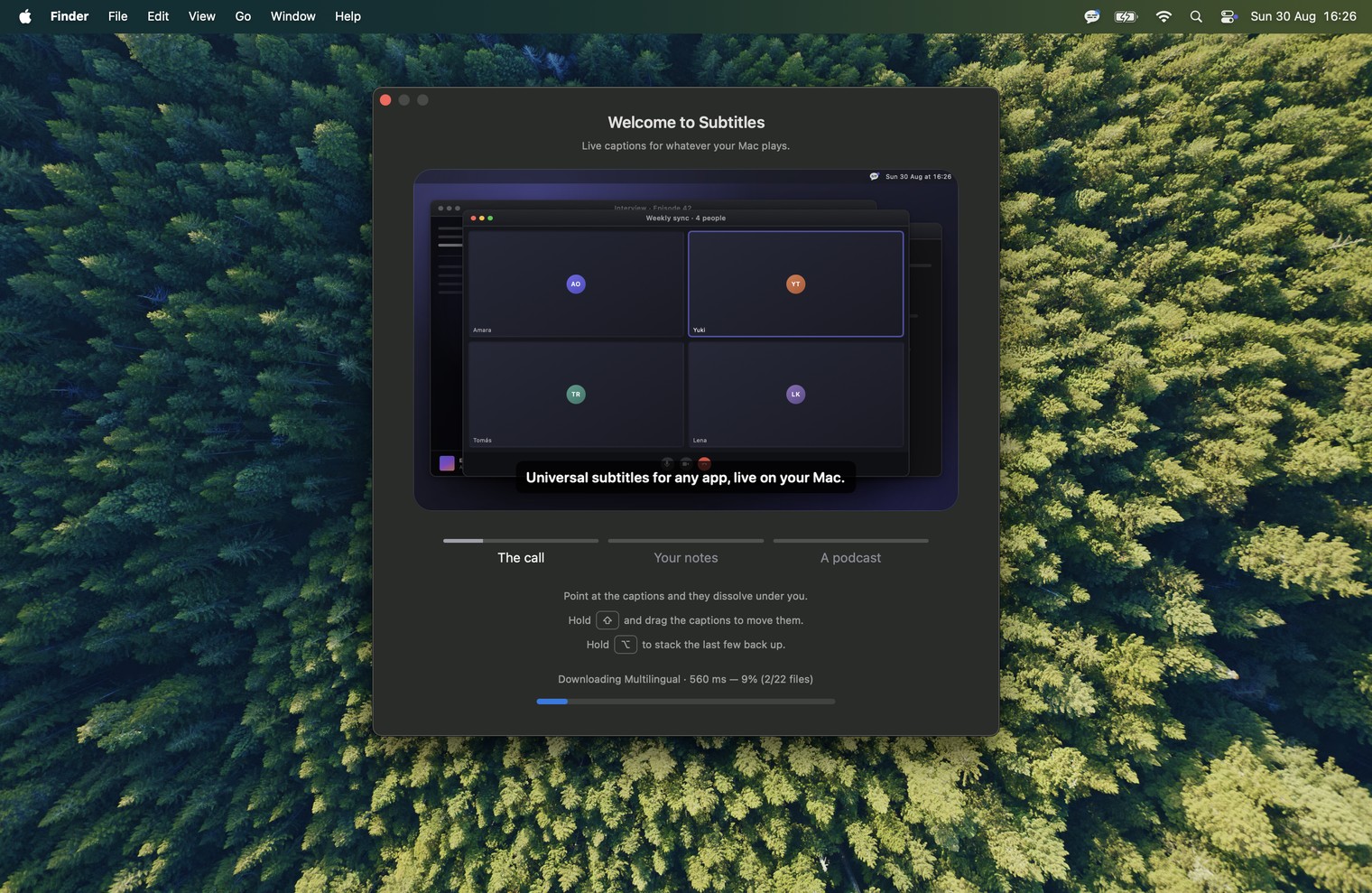
The icon

Names and words
- Subtitles is the app, one word with a capital S. It is a generic word on purpose, so "the Subtitles app" or "Subtitles for Mac" is fine where the sentence needs it.
- Captions is what it draws; the site says live captions and real-time subtitles interchangeably, and so can you.
- Rewind is the ⌥ feature: hold ⌥ and the captions that closed stack back up. Search is ⌥F. Neither is a transcript. Save Transcript is what the caption box offers after a minute or more of speech, and the menu offers at any time; it is the only thing the app writes to disk.
- On device rather than "offline": the Mac can be online, the audio just never leaves it.
- Apple silicon, and macOS 14.2 as the floor. Not "M1 or later", which is true but is not how the site puts it.
- Mathieu Jouhet makes it; CSS LABS sells it. Either is a fair attribution.
Reaching the developer
The contact form goes to Mathieu directly, usually answered within a day or two, from Paris. Ask there for a license key if a review needs one; the trial has every feature and needs no card, so it may not. Corrections to anything on this page are welcome and get fixed the same day.